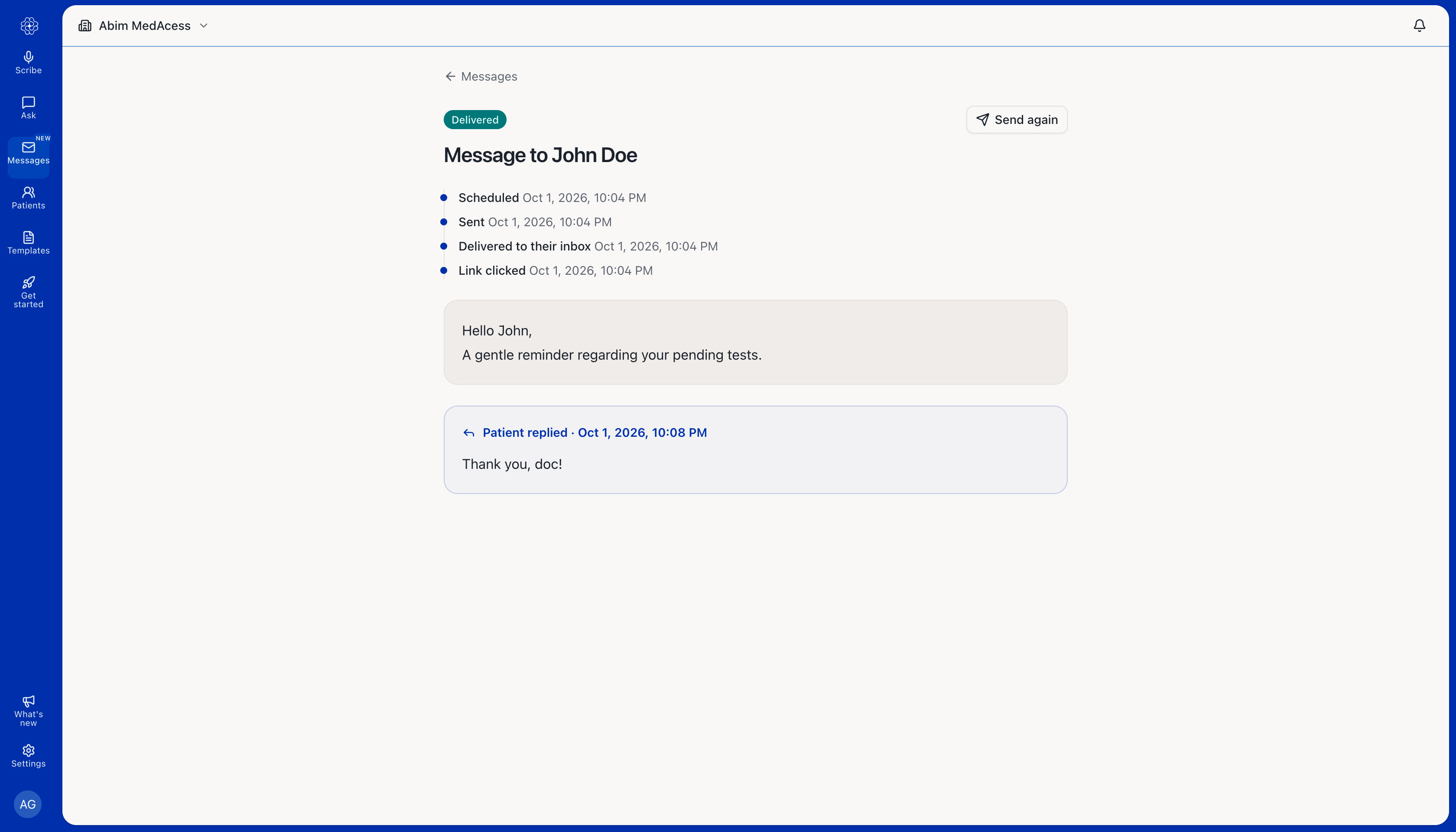
You can send secure messages to patients directly from the Medulla web app. This article walks you through how to send a message, schedule it for later, allow a patient to reply, and view their response.
Send a secure message
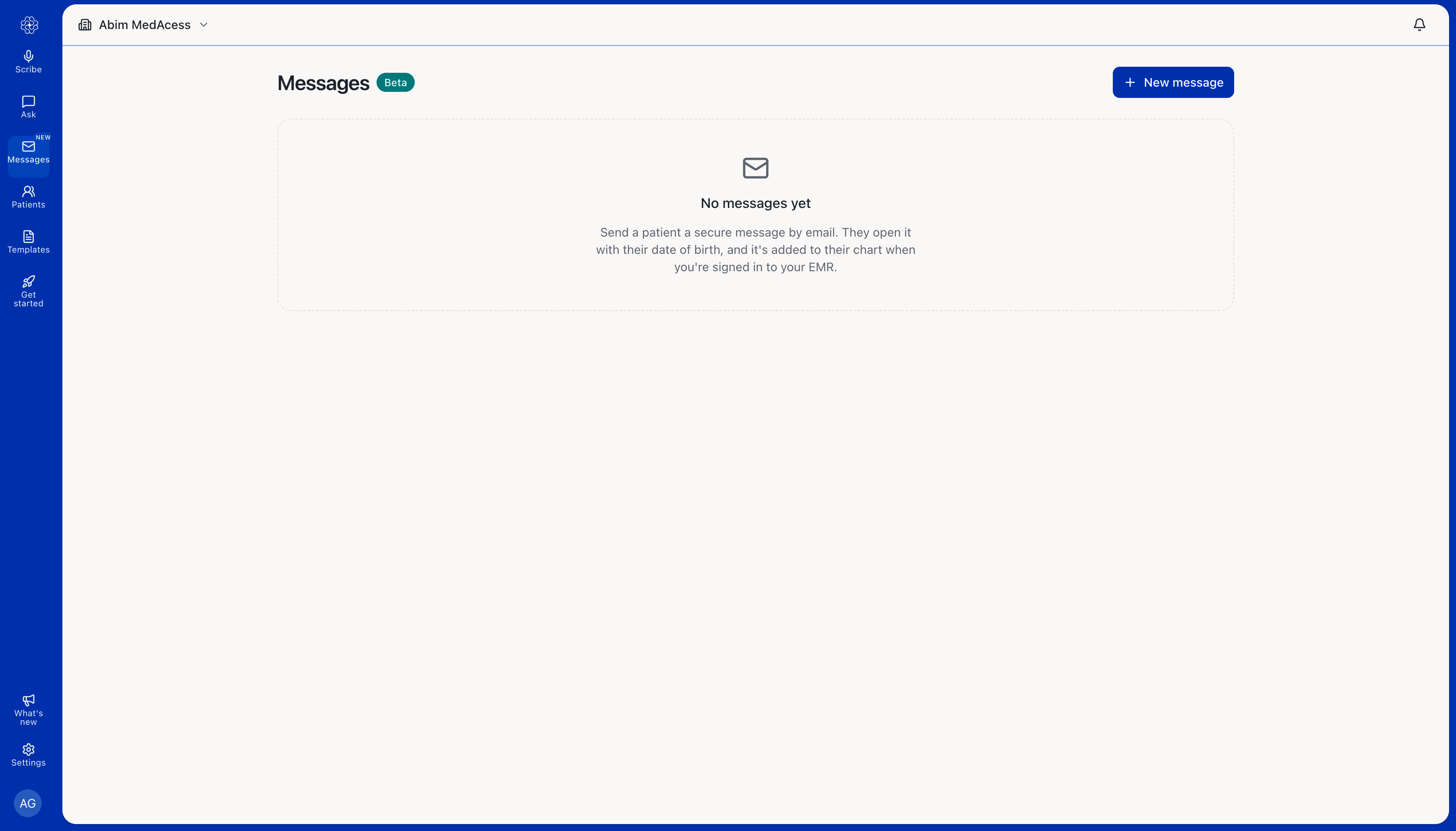
Open the Medulla web app and select Messages from the left menu.
Click New message.
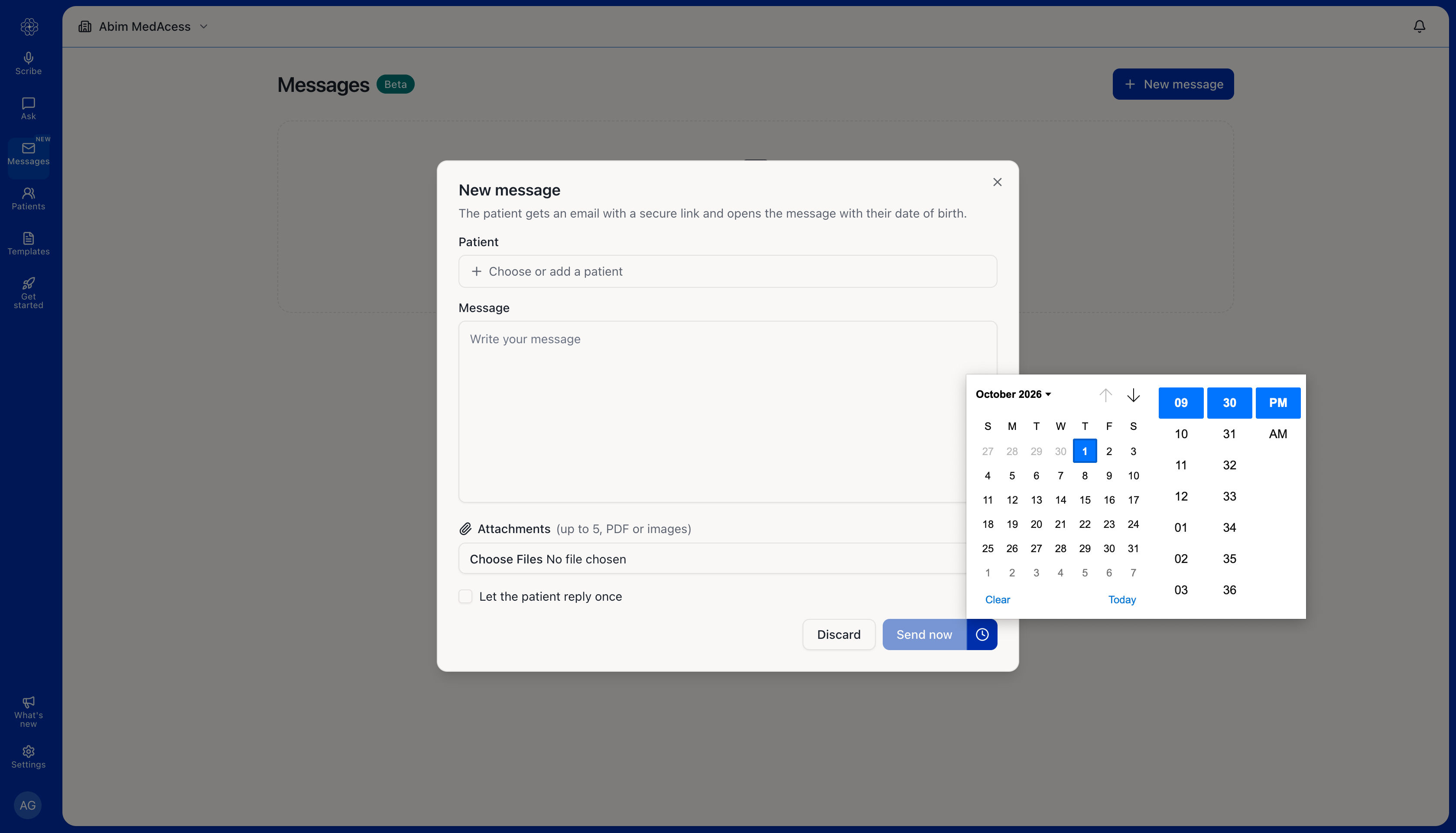
Click Choose or add a patient, then select the patient you want to message.
Write your message.
To include an attachment, click Choose Files. You can attach up to five PDFs or images.
If you want the patient to be able to respond, select Let the patient reply once.
Click Send now to send the message immediately. To send it later, click the clock icon and choose a date and time.
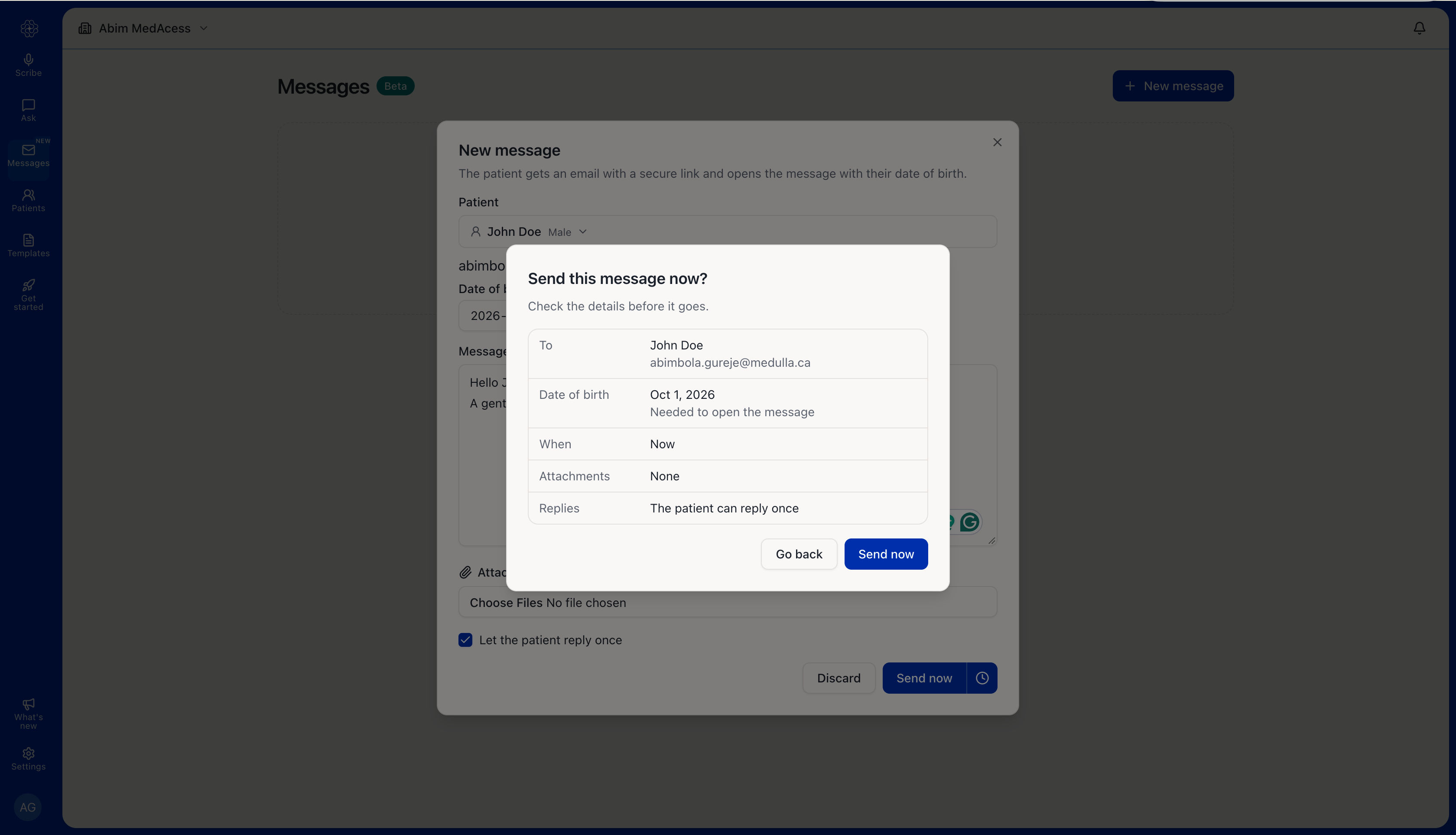
Review the patient and message details, then confirm to send the message.
What happens after you send the message?
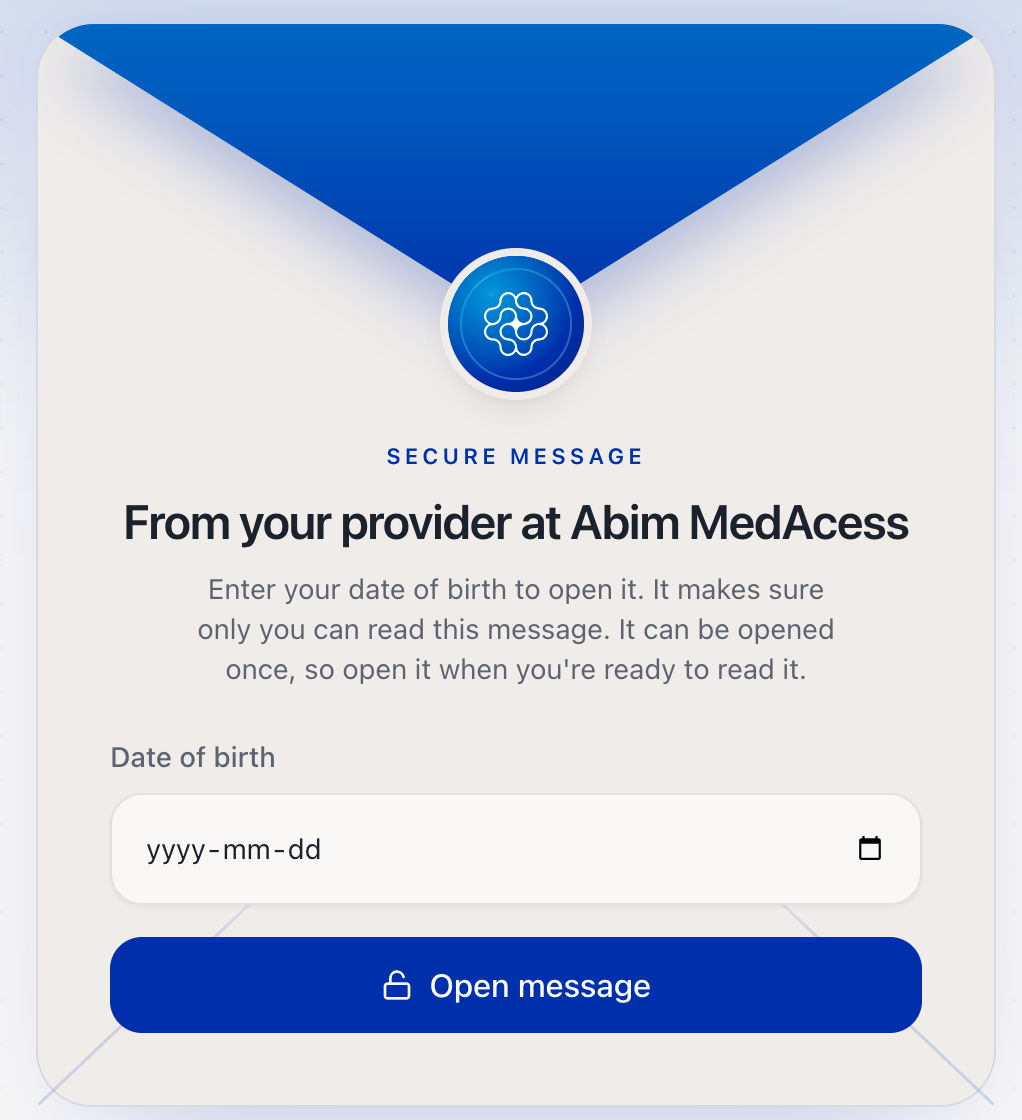
The patient receives an email with a link to the secure message. To access it, they click Open secure message and enter their date of birth.
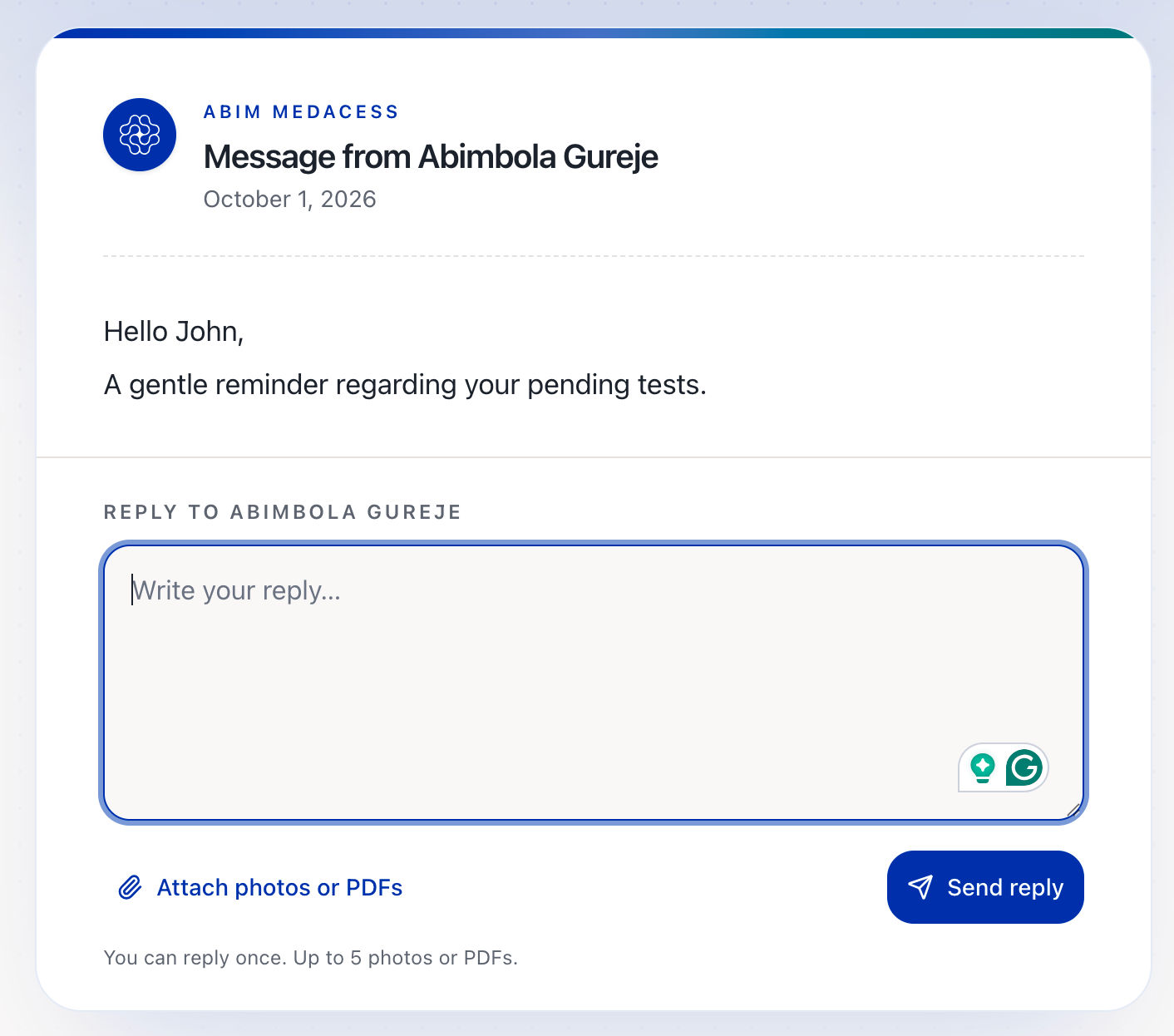
If you allowed the patient to reply, they can send one response from the secure page and attach up to five photos or PDFs.
View message status and patient replies
Return to Messages to view the status of a message. You can see when it was sent, delivered, and read.
If a patient replies, you’ll see an Unread reply indicator beside the message and a notification on the Messages icon.
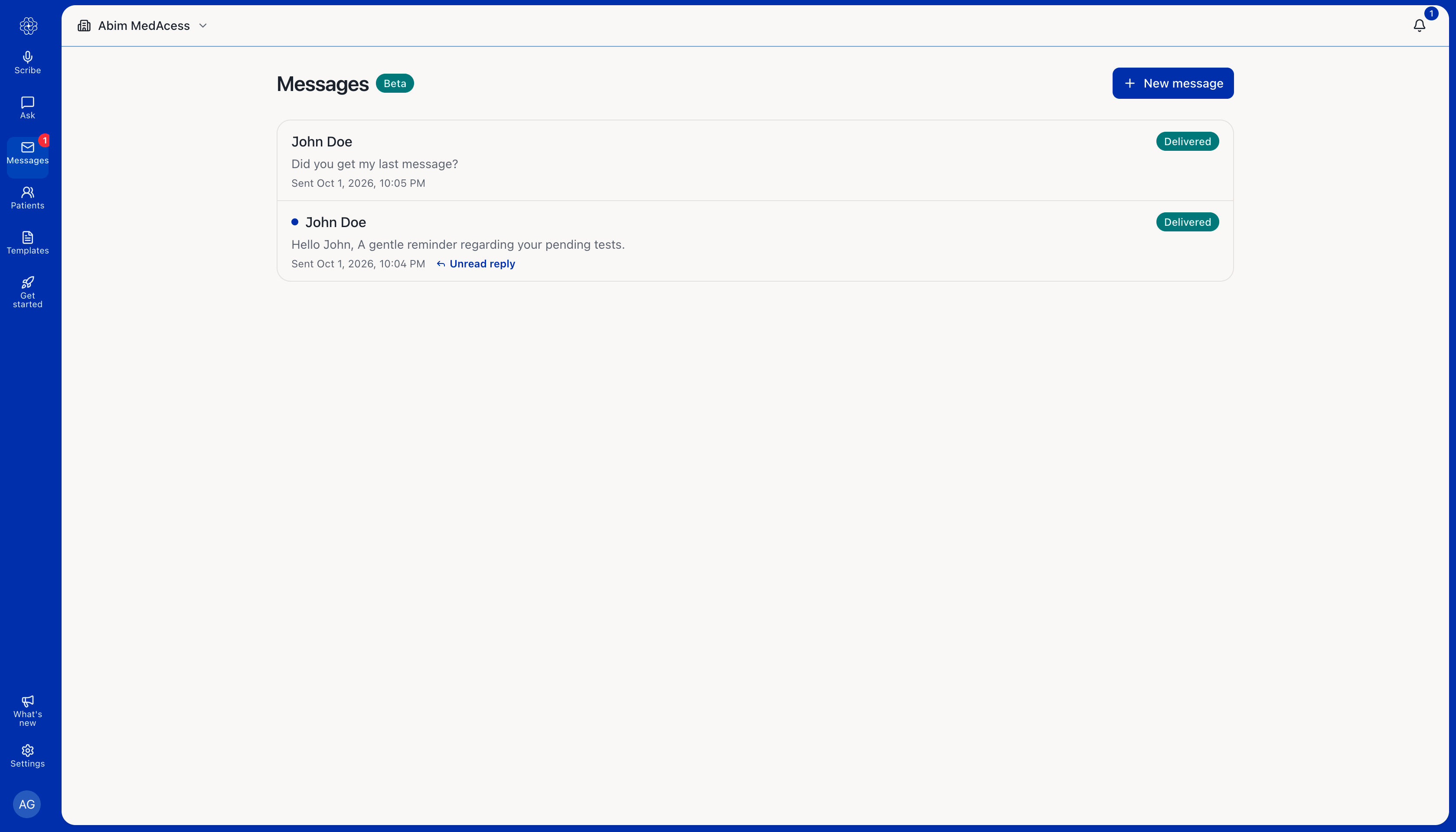
Open the message to view the patient’s response and message activity.